To sign in to Outlook on the web using your APIC Office 365 account:
-
Go to the Office 365 sign-in page or to Outlook.
-
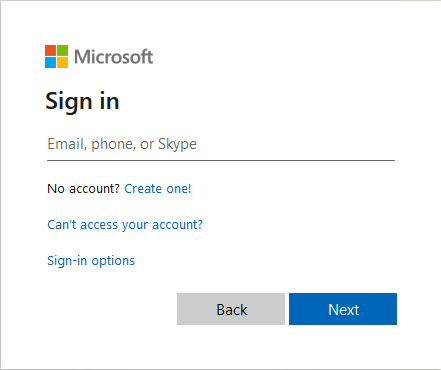
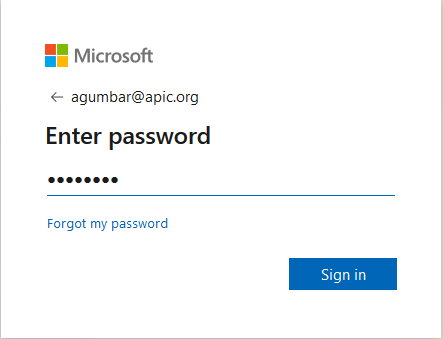
Enter your email address and password for your APIC account.
-
Select Sign in.
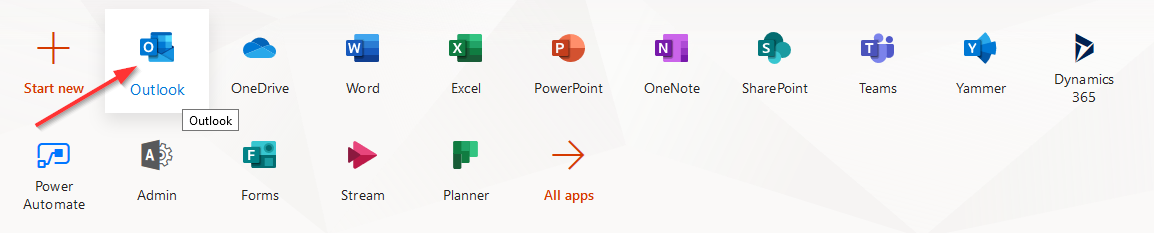
- Click Outlook icon from the application list

To sign in to Outlook on the web using your APIC Office 365 account:
Go to the Office 365 sign-in page or to Outlook.
Enter your email address and password for your APIC account.
Select Sign in.
Comments
0 comments
Please sign in to leave a comment.