
Contents
Using Auto feeder
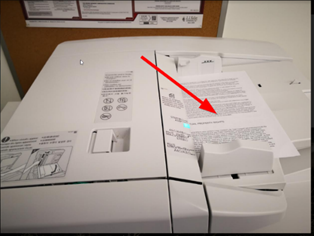
- Place your document on the Canon copier’s document feeder facing up.
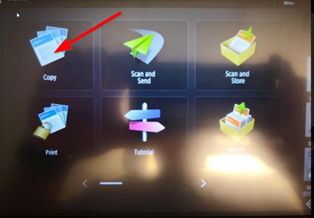
- On the Home Screen, press Copy.
- Using keypad, enter the number of copies you wish using the Numpad to the right.
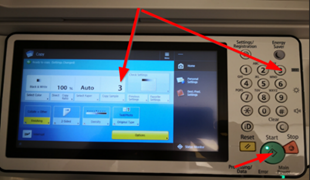
- Press Start to start Copying.
Copying large documents, brochures, and books
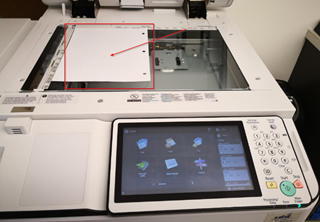
- Open the top lid of the Canon Copier to access its scanner.
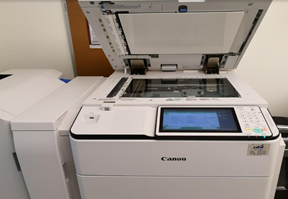
- Place the side you wish to copy face down on the glass.
- Select the number of copies you wish to make on the num pad (i.e., press 8 for 8 copies.)
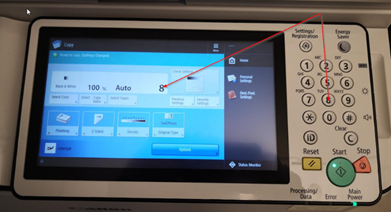
- Close the lid and press the green Start button to start copying.
Comments
0 comments
Please sign in to leave a comment.